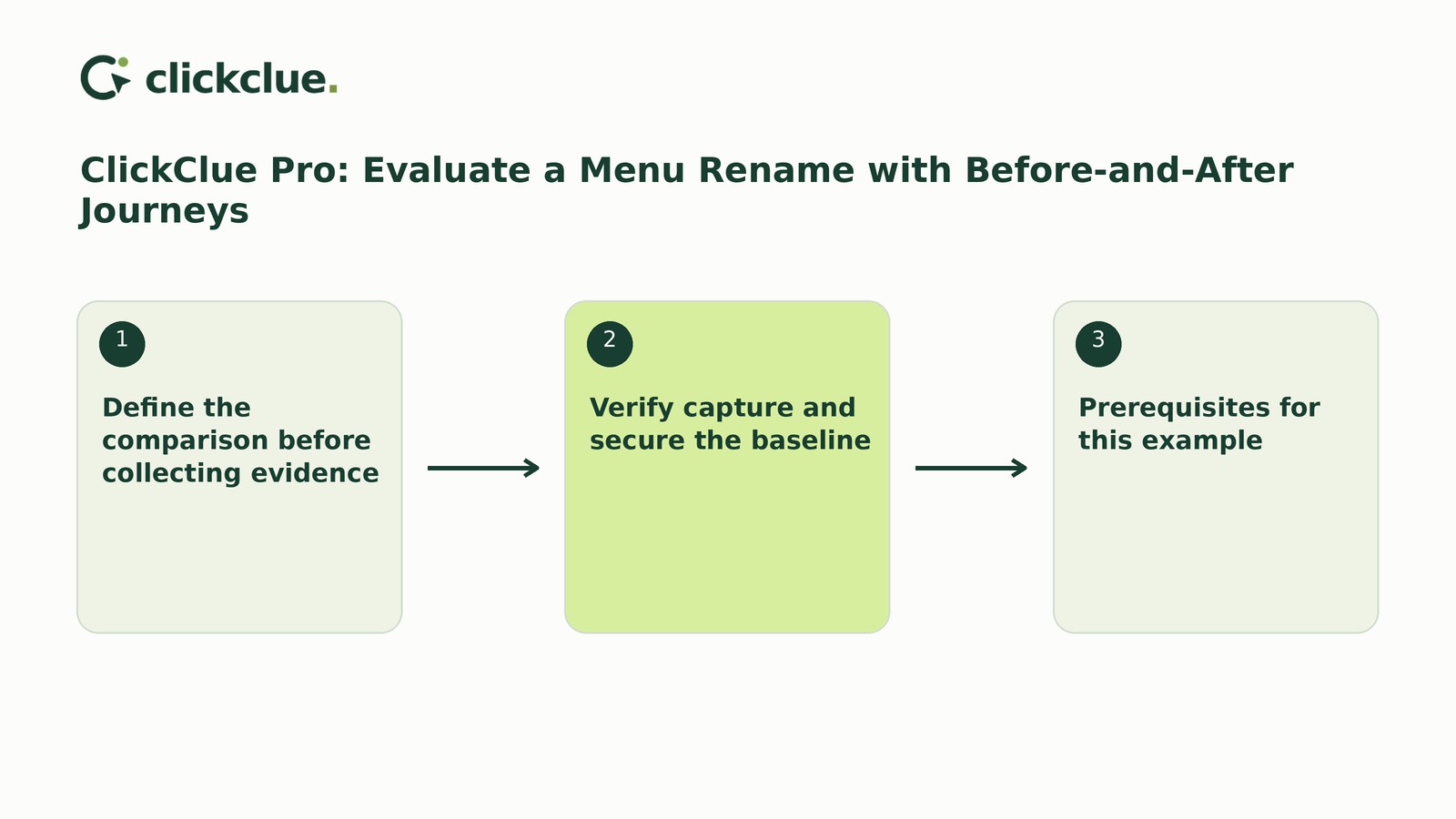
To evaluate a menu rename, verify a retained baseline before editing, keep the destination unchanged, and classify recorded routes consistently across separate windows. Different recorded journeys do not prove improved usability.
ClickClue Pro provides journeys, saved investigations and comparisons across eligible retained recordings. This hypothetical example changes “Plans” to “Pricing.” If you have already renamed the item without a usable baseline, test the current label or plan a future comparison: new recording cannot recover earlier visits.
Define the comparison before collecting evidence
Write down the homepage URL and unchanged pricing URL. Ask: Do retained homepage recordings show different observed routes to the same pricing page? Do not assume every homepage visitor wanted pricing.
Include recordings whose first recorded page is the homepage; this is not necessarily the visit’s true start. Classify the sequence up to the first observed arrival at pricing. Later revisits do not change the category.
- Direct: Pricing is the first page other than the homepage observed.
- Through another page: A page other than the homepage appears before that first arrival at pricing.
- Not observed: Pricing never appears before the recording ends.
Mark ambiguous or unreadable sequences separately as unclassifiable. A page sequence does not identify the link used; “not observed” is not confirmed abandonment.
Choose comparison windows in advance, excluding deployment. Keep menu position, destination content and other navigation unchanged; log deviations.
Verify capture and secure the baseline
Prerequisites for this example
Use the independently observed native-account Free 1.1.5 and Pro 1.1.5 pair, with WordPress 6.6+, PHP 8.1+ and Free kept active. Pro needs an eligible first licence activation; consult the activation and package guidance.
The separately observed WordPress.org Free 1.1.10 is a Free-only release. Its setup wizard does not belong to these native-account packages, and it does not establish a matching Pro release.
New installations start paused. Follow the channel’s documented consent workflow in the first-recording guidance. In a signed-out private window, grant replay permission and perform a fictional interaction. Verify that recording’s page, time and masking—not merely the newest recording.
Record verified saved settings, not intended settings: consent workflow, sampling, filters, exclusions, masking, storage and retention. Signed-in visits and excluded sensitive routes are outside coverage. Consent, sampling, storage and retention further constrain evidence.
Collect the baseline and confirm its matching recordings remain available. Retain them through review under a justified retention policy. Do not rename until this checkpoint is complete. Replay reconstructs supported activity, not desktop video, and cannot recover uncaptured or expired recordings.
Rename and verify the published link before collecting again
Use WordPress’s menu or navigation editor, or ask the theme maintainer, to change only the label. Record the rollout boundary.
Exclude deployment and repairs until signed-out desktop and mobile checks confirm the new wording and unchanged destination, including cached versions encountered. Test the published link by pointer, touch and keyboard across those layouts; assign reproduced faults to the maintainer.
Then collect the later window. Verify its actual capture settings and note interruptions or concurrent changes before comparing routes.
Review supporting replays and complete the sheet
In Pro, choose a saved investigation or grouped clue and inspect eligible retained evidence for the planned windows. Use journeys and comparisons to support review, then open supporting replays and record manual classifications in an external sheet. Window selection and label separation are analyst decisions, not automatic experiment segmentation.
Review all matching recordings where practical; otherwise define the same selection rule before reviewing either window. Record available, reviewed and unclassifiable counts separately. For each reviewed item, record its reference, classification and context without copying personal information.
This wholly hypothetical completed sheet uses illustrative dates, settings and counts—not customer evidence or recommended sample sizes.
- Scope: First recorded page /; destination /pricing/. “Plans” becomes “Pricing”; position and destination content stay unchanged.
- Windows: Before: 9–15 November 2026. After: 17–23 November 2026, all full UTC days. Exclude 16 November for deployment; hypothetical signed-out checks confirm the wording and link.
- Verified capture conditions: Same native-account packages, consent workflow, 20% sampling, filters, exclusions and masking. Approved retention covers review on 24 November; both windows remain available, with no known capture interruptions.
- Counts: Before: 24 available, 24 reviewed, 0 unclassifiable. After: 24 available, 24 reviewed, 0 unclassifiable.
- Classifications: Before: 10 direct, 6 through another page, 8 not observed. After: 15 direct, 4 through another page, 5 not observed.
- Supporting references: B01/A01 show homepage then pricing; B02/A02 show homepage, services, then pricing; B03/A03 end on the homepage. These are fictional sheet labels, not plugin-generated identifiers.
- Owner and next check: Maya, site editor: review on 24 November; label-comprehension check on 25 November.
For unequal samples, report category counts alongside reviewed totals: “10 of 24 reviewed,” not just “10.” Use all reviewed recordings as the denominator, stating how many are unclassifiable. A larger raw count from a larger sample is not evidence of improvement. These are recordings, not unique people.
Match the finding to the next action
- Both windows usable: Report: “Direct routes appear in 10 of 24 reviewed recordings before and 15 of 24 after.” This describes retained evidence, not visitor intent, menu-link use, causation or improved usability. Matching settings do not make visitor populations equivalent; this is not a randomized experiment.
- Capture conditions differ: Name the mismatch, such as changed consent or sampling, and its effect on coverage. If comparability cannot be justified, mark the review inconclusive. A fresh comparison needs defined old-label and new-label windows; two later windows under “Pricing” cannot replace a “Plans” baseline.
- Baseline missing, expired or mixed across labels: Mark the comparison inconclusive. Evaluate the current label rather than trying to recreate uncaptured evidence.
For a comprehension check, ask someone unfamiliar with the revision: “Starting on the homepage, find what this service costs.” Record their first selection, destination, interpretation and help given.
Free replay, bookmarks and notes plus a spreadsheet can support a small manual review. Link and task checks need no replay plugin.
Put a named tester and review date on the sheet, then run the pricing-finding task before judging the label.