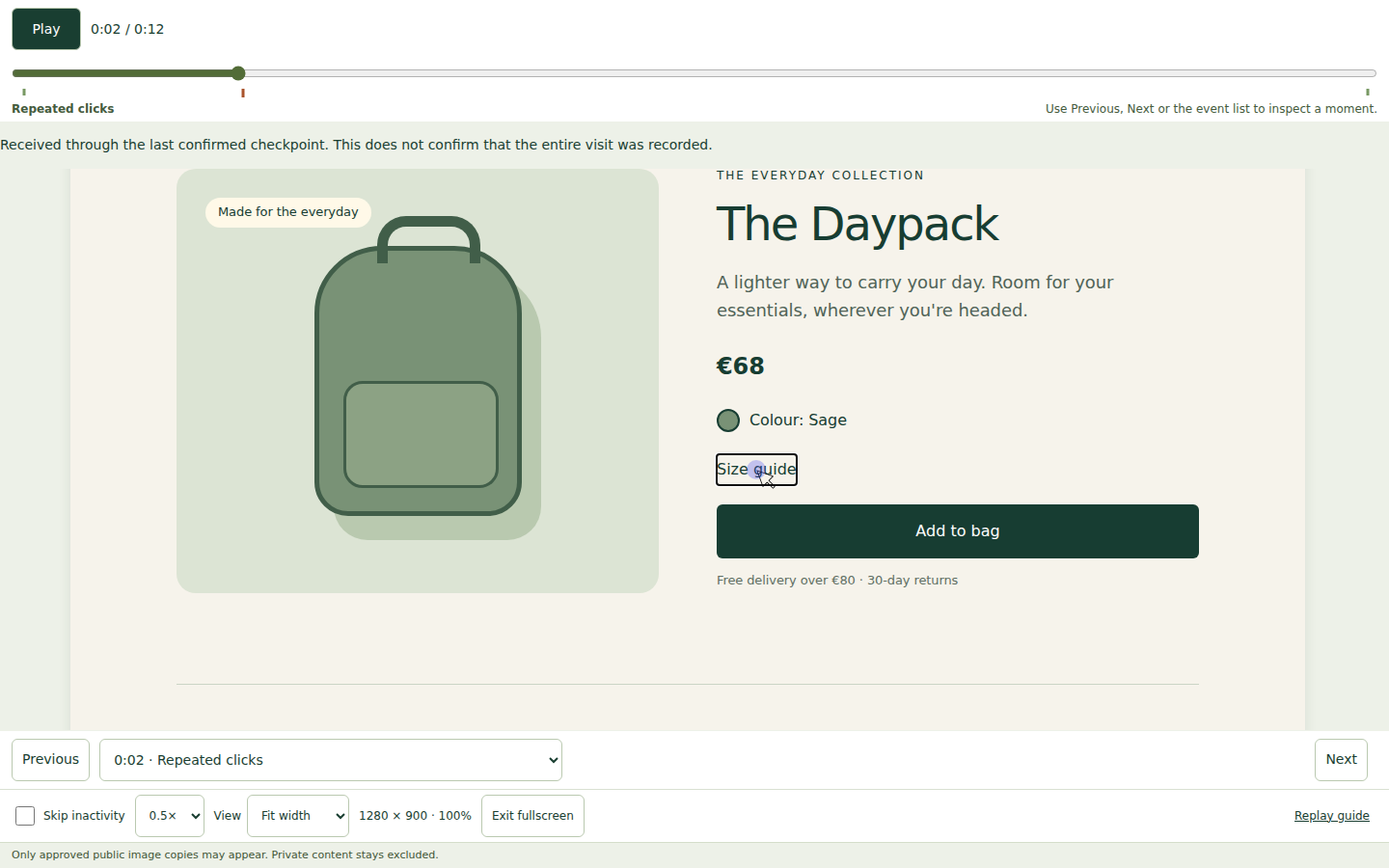
Replay clicks, scrolling and navigation. See the context behind a confusing control or an overlooked page—with recordings kept on your WordPress server.
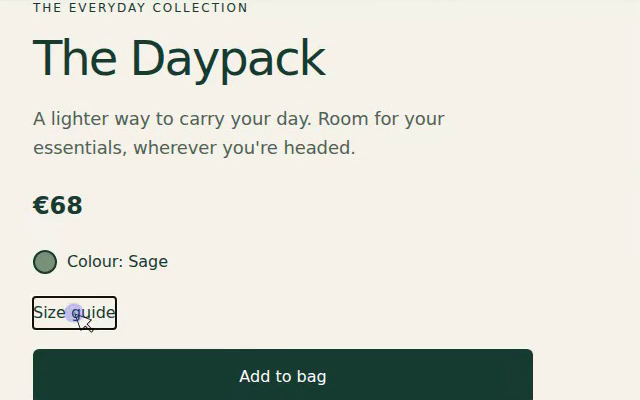
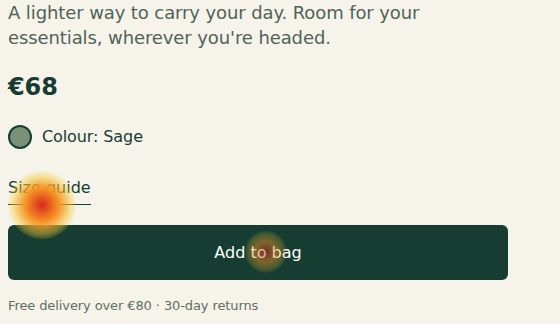
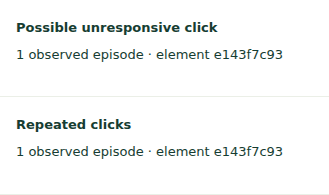
A fictional visitor clicks a product-page control repeatedly. ClickClue replays the page and cursor movement so you can inspect what happened. This is example data: an observation to investigate, not proof of frustration or a lost sale.
A USEFUL FREE PLUGIN. A CLEAR NEXT STEP.
Start with one visit. Use Pro to see the wider pattern.
FREE
Free forever
Your recordings, on your WordPress server.
Understand an individual visit.
Record and replay clicks, scrolling and navigation
Both editions use your hosting and storage. After a first valid Pro activation, earned local tools keep working if your subscription ends; eligible updates and support require an active plan. Compare all features and terms.
WHAT WOULD YOU CHECK FIRST?
Three everyday questions. A closer look at what happened.
For shops, service businesses and content sites. WooCommerce is not required.
FREE · REPLAY & NOTES
Did that product control respond?
Watch the clicks around a size guide or product option. Check the control yourself, then save a note on what to investigate.
Use the current Free and Pro tools yourself with example data. Open the live demo ↗
YOUR FIRST RECORDING
Three steps. Start with a test.
01
Install Free.
Upload and activate the plugin in WordPress. Open ClickClue; new installations start paused.
02
Review your privacy settings.
Choose visitor permission, page exclusions and sampling. Approve only public replay images.
03
Record a test visit.
Use the guided setup in a signed-out window. Review the replay, then choose how much to record and keep.
Readable pages. Protected private details.
Ordinary page text is readable by default. Typed values and explicitly private elements stay masked. Enable page-text masking when needed; existing saved choices are preserved.
Clear expectations from your first visit to your first recording.
Is a replay an exact screen recording?
No. ClickClue reconstructs supported page content and recorded interactions; it is not a screen video. Themes, dynamic layouts and unsupported content can affect playback. Images appear only when allowed by your replay-image settings. Test your own pages before relying on a recording. Read the recording guides.
Will recording slow down my site or fill my database?
Capture uses visitor-browser and server resources, and recordings use your WordPress database. Start with a small sample and check your own theme and hosting. Set sampling, retention and storage limits; there is no monthly ClickClue recording quota, but your hosting is not unlimited. Review storage and retention.
What does my website need?
WordPress 6.6 or later and PHP 8.1 or later. WooCommerce is optional. Check a signed-out test visit on your actual theme, forms and important pages before increasing capture.
Do I need an account? Where does the data go?
Free’s local replay needs no ClickClue account. Recordings stay in the WordPress database of the site that collected them. Pro needs a licence for its first activation. Optional external Pro services have separate settings and disclosures; review those before enabling them. Read the privacy information.
How do Pro activation, renewal and refunds work?
Install Pro alongside Free and enter your licence for the first activation. Plans renew yearly until cancelled. Earned local tools and retained recordings remain usable after expiry; eligible updates and support require an active plan. Initial purchases have a 14-calendar-day refund-request window; see the full plan and refund terms.