A missing image in ClickClue Free replay does not, by itself, prove a live-page defect. Check the published page while signed out. If the image fails there too, send the reproduction to your developer without waiting for replay. Otherwise, compare a new visit with its matching replay.
Keep the historical recording separate: a successful test today cannot establish what an earlier visitor saw.
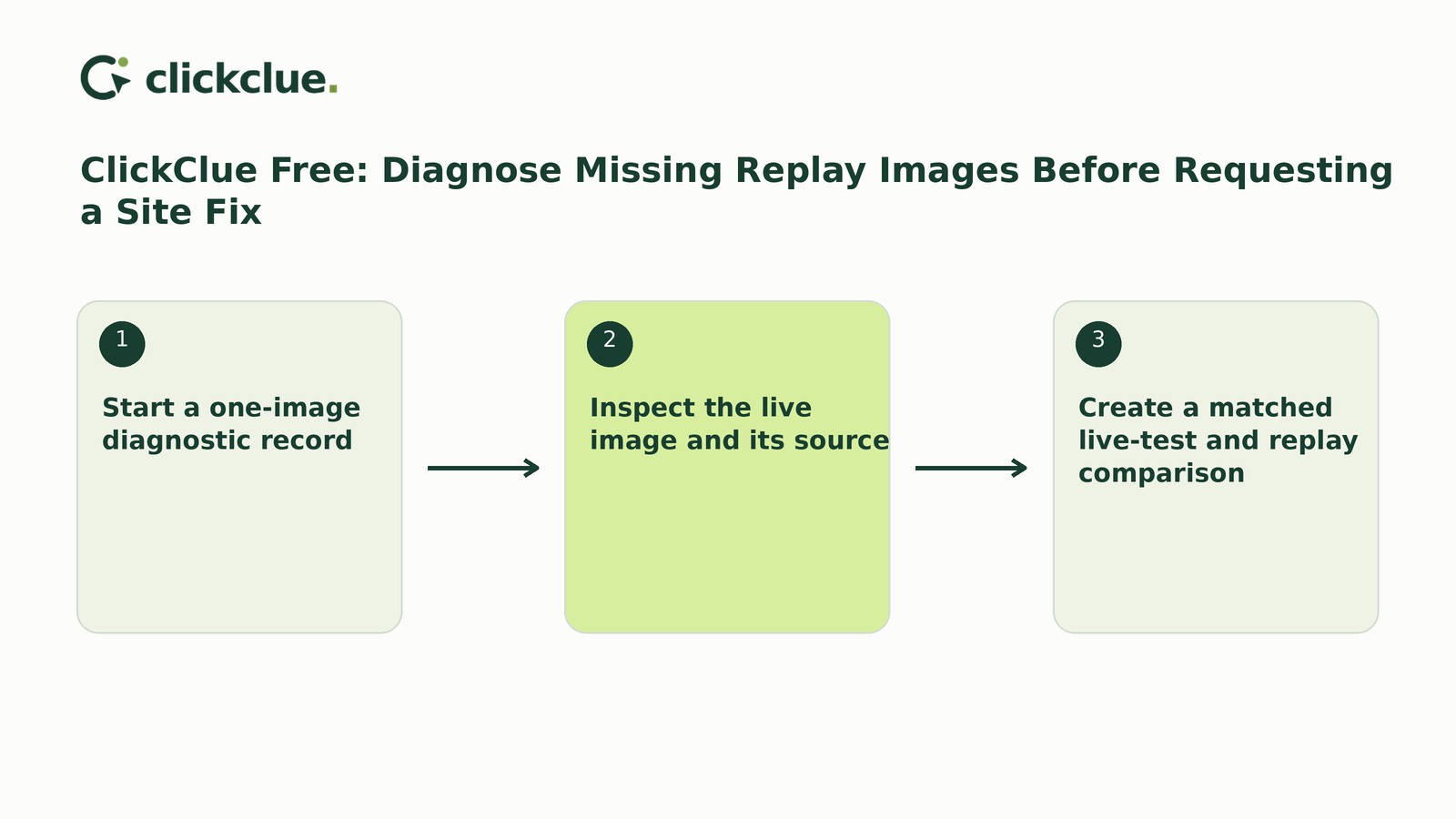
Start a one-image diagnostic record
This workflow covers the observed WordPress.org Free 1.2.6 release, requiring WordPress 6.6+ and PHP 8.1+. Do not attribute these asset-capture capabilities to the separately observed native-account Free/Pro 1.2.5 releases.
Start a manual note with the historical recording reference, recording time, page URL and missing image’s position—for example, the first illustration below the introduction.
Record the historical version and capture settings only when supported by evidence. Otherwise, write historical settings unknown. Today’s settings do not establish yesterday’s, and old recordings cannot acquire assets never captured.
Inspect the live image and its source
Open the published page while signed out of WordPress, keeping normal browser protections enabled. Follow any scrolling or gallery action needed to reveal the image. Record whether it appears, your browser, the viewport size—the visible browser area—and the actions taken.
Browser checks and screenshots can document a live failure without a replay plugin.
Use browser inspection tools, or ask the maintainer, to identify the image resource actually requested. Note its safe public URL, serving host and whether it requires authentication. A media-library upload is not necessarily delivered locally.
The documented capture boundaries are:
- Eligible public local images can be copied for replay.
- Arbitrary remote resources and private regions are excluded.
- Large, unsafe or unsupported resources are omitted.
Public accessibility and local origin do not guarantee capture. Consult the asset-capture and masking guidance rather than guessing an eligibility threshold.
Create a matched live-test and replay comparison
1. Review and record current settings. Note public-design capture, recording mode, masking, exclusions, sampling, retention and resource limits. Public-design capture starts on for fresh installations and off on upgrades until deliberately enabled. That asset setting does not itself enable recording.
2. Document any reviewed changes. Record the before-and-after capture setting if you change it. Enabling capture is not a guaranteed repair. Do not unmask private content or weaken security policies. If recording needs enabling, follow the quick-start guidance. Opening setup does not start capture; Save & enable recording saves reviewed settings and sets sampling to 100% until changed.
3. Run and log the signed-out visit. Note the time and time zone, page, browser, viewport and exact actions. Observe the image directly. Give consent where required; do not bypass refusals or browser opt-outs. Use public, non-personal content because ordinary page text can be readable unless Mask all page text is enabled.
4. Match page, time and activity. Find the recording corresponding to those details—not simply the newest item. Record its reference alongside the live-test notes.
5. Inspect uploads, masking and the image. Compare the image at the corresponding point. A receipt through the last upload checkpoint confirms that announced uploads arrived, not that every moment or visual detail was captured. Replay is reconstructed website activity, not pixel-perfect video.
6. Record the result and restore intended sampling. Note whether the image appears live and in replay, plus any coverage uncertainty. After verification, restore the intended sampling rate if you changed it or used Save & enable recording.
Choose the follow-up the evidence supports
Without an adequately matched recording, the replay comparison is inconclusive. Record the gap rather than classifying it as an image-capture failure. This does not prevent a developer investigation when the live-page fault is independently reproduced.
TRY THE SCENARIOS
Which follow-up fits the image comparison?
Hypothetical cases for one public-page image in WordPress.org Free 1.2.6. Replay conclusions assume a matched recording with adequate coverage. These examples do not check your site or settings.
The image fails on the live page
Send the developer the page, environment, exact actions and observed failure. Investigate the reproduced live problem without waiting for replay evidence.
Both the live page and matched replay show the image
Record success for this current test. Do not request a site repair on this evidence alone; the historical omission remains unexplained.
The live image works and a documented capture limitation applies
For example, capture was disabled during that test or the image is an arbitrary remote resource. Record the applicable limitation and exclude the blank replay area from image-visibility judgments.
The live image works but the replay omission remains unexplained
If capture was enabled and the resource appears public and local, request technical review of an unexplained reconstruction mismatch. Apparent eligibility is not proof that capture should succeed.
Compare all scenarios
| Situation | What happens |
|---|---|
| The image fails on the live page | Send the developer the page, environment, exact actions and observed failure. Investigate the reproduced live problem without waiting for replay evidence. |
| Both the live page and matched replay show the image | Record success for this current test. Do not request a site repair on this evidence alone; the historical omission remains unexplained. |
| The live image works and a documented capture limitation applies | For example, capture was disabled during that test or the image is an arbitrary remote resource. Record the applicable limitation and exclude the blank replay area from image-visibility judgments. |
| The live image works but the replay omission remains unexplained | If capture was enabled and the resource appears public and local, request technical review of an unexplained reconstruction mismatch. Apparent eligibility is not proof that capture should succeed. |
Illustrative examples. Your selection is not saved or sent, and changes no store settings.
For an unexplained mismatch, provide the version/channel, reviewed settings, resource origin, reproduction steps, matching recording reference and upload observations. Share only authorised, redacted evidence—not a speculative request to redesign the page.
Worked example: close the current test without rewriting history
This record is entirely hypothetical. Its settings and observations illustrate the format; they are not recommendations or product-test results. H1 and T1 are manual reference labels.
- Historical evidence: H1, dated 18 November 2026, shows a blank first illustration below the introduction on /services/advice/. Historical version and capture settings are unknown.
- Current setup: WordPress.org Free 1.2.6. Public-design capture was off before review and on during T1. The built-in banner uses a published policy selected in WordPress Settings > Privacy. Test sampling is 100%, restored to the hypothetical intended 10% afterward.
- Image observations: /wp-content/uploads/service-illustration.jpg is requested from the page’s own host, opens signed out and sits outside private regions. These observations do not establish every eligibility condition.
- Live test: T1, 20 November 2026 at 14:00 UTC. Firefox 144 on Windows 11, with a 1366 × 768 CSS-pixel viewport. Open /services/advice/ signed out, accept the built-in banner, then scroll to the first illustration below the introduction. It appears.
- Replay comparison: T1’s recording matches the page, time and scroll activity. Uploads are confirmed through the last upload checkpoint; masking is reviewed; the illustration appears at the matching position.
- Decision and owner: Jo records current success and requests no site repair. H1’s live-page state and omission cause remain unknown. The setting change is not established as the reason T1 succeeded.
Before opening a ticket, finish your one-image record with the chosen outcome, remaining unknowns and the person responsible for the next action.